See it.
Every TV's real picture, in your hand.
Each TV sends a picture of what's really on it: every 5 seconds for the one you're working on. The TVs tab maps them as they hang, and the Universe shows the office in 3D.

SoudCoh TV
SoudCoh TV runs the TVs in your office from an app on your iPhone or Mac: websites, dashboards, YouTube, photos, boards and your own screen, on one TV or as one picture across a whole wall.
Try it
This is how Show something works in the app. Pick TVs on SoudCoh's wall (or tap one), then something to show. Undo puts it back.

Made from SoudCoh TV's own boards and panorama (sample data). In the app, an Undo lasts 15 minutes.
Where
What
How it works
SoudCoh's three values are how the product works, too.
See it.
Each TV sends a picture of what's really on it: every 5 seconds for the one you're working on. The TVs tab maps them as they hang, and the Universe shows the office in 3D.
Solve it.
Show something asks where, then what. Pixel takes plain words. Undo puts the TVs, their apps and their power back as they were.
Scale it.
Join TVs into walls with one picture across them. Each office gets its own address, data and keys, and one release updates every office.
Show something
One launcher for everything, on one TV, a column, a row or the whole wall.
Open as real full-screen pages, so sites that refuse to be embedded still work.
Paste a link or type words to search. Across a wall, every TV plays in step.
Copied to every Pi and checked, so they keep playing with the internet down.
Shared straight to the TVs from any desktop browser.
Mirror it with AirPlay. Each TV is its own receiver.
A shared folder becomes the office slideshow, kept on each Pi's own disk.
Rotate links, photos and videos, or give a TV its own named slideshow.
A spare phone fixed on a wall streams its camera to any TV.
Smart office
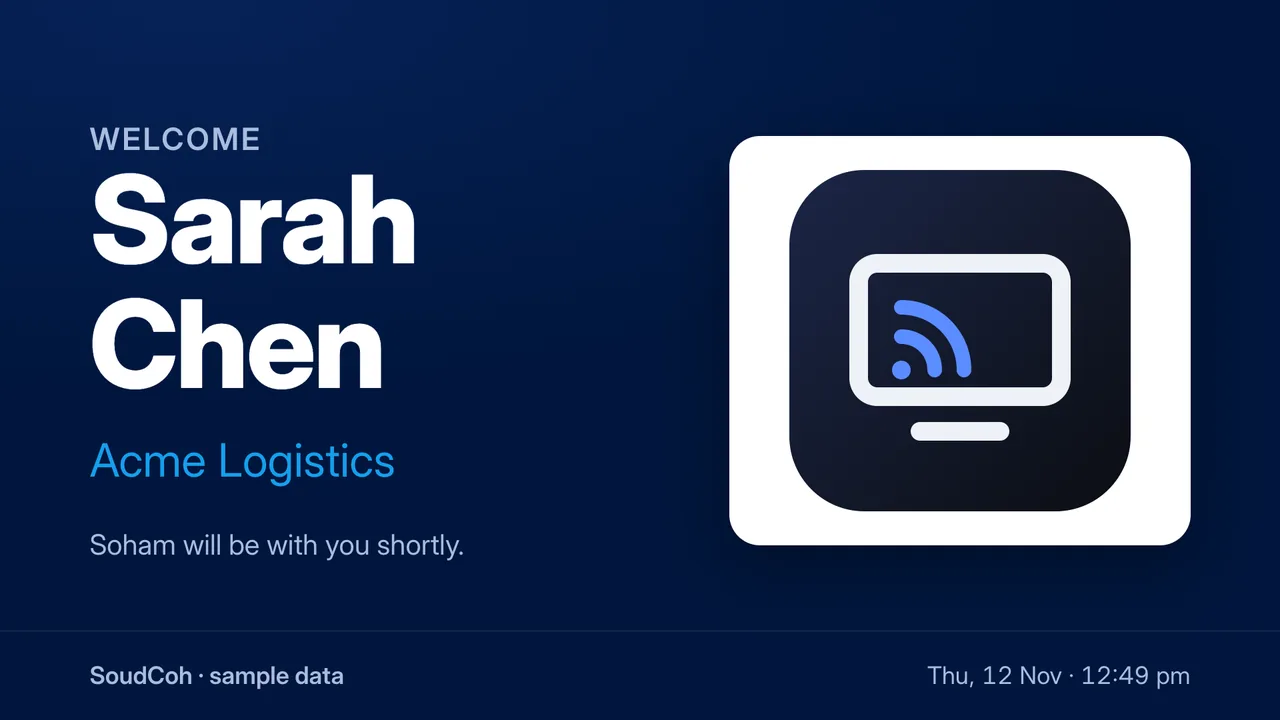
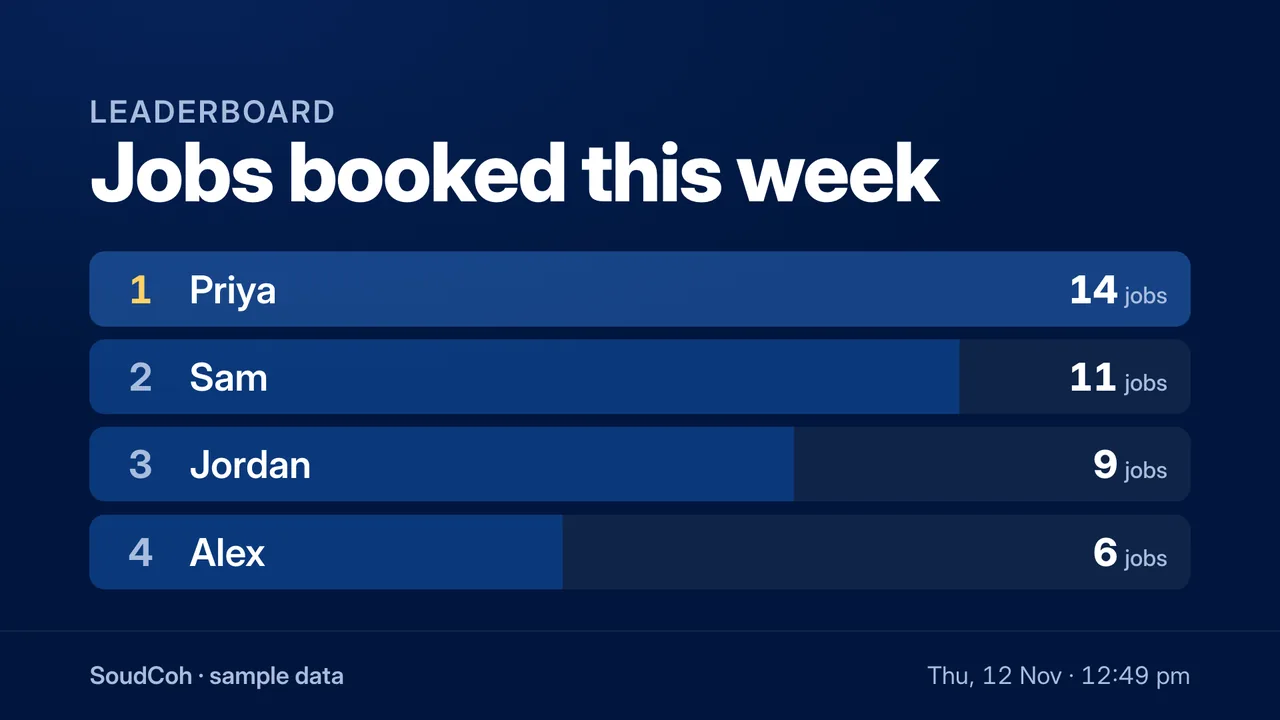
Boards, scenes, announcements and a calendar are built in. A board is a page on your office's own address, shown like any website: swipe through the real ones.
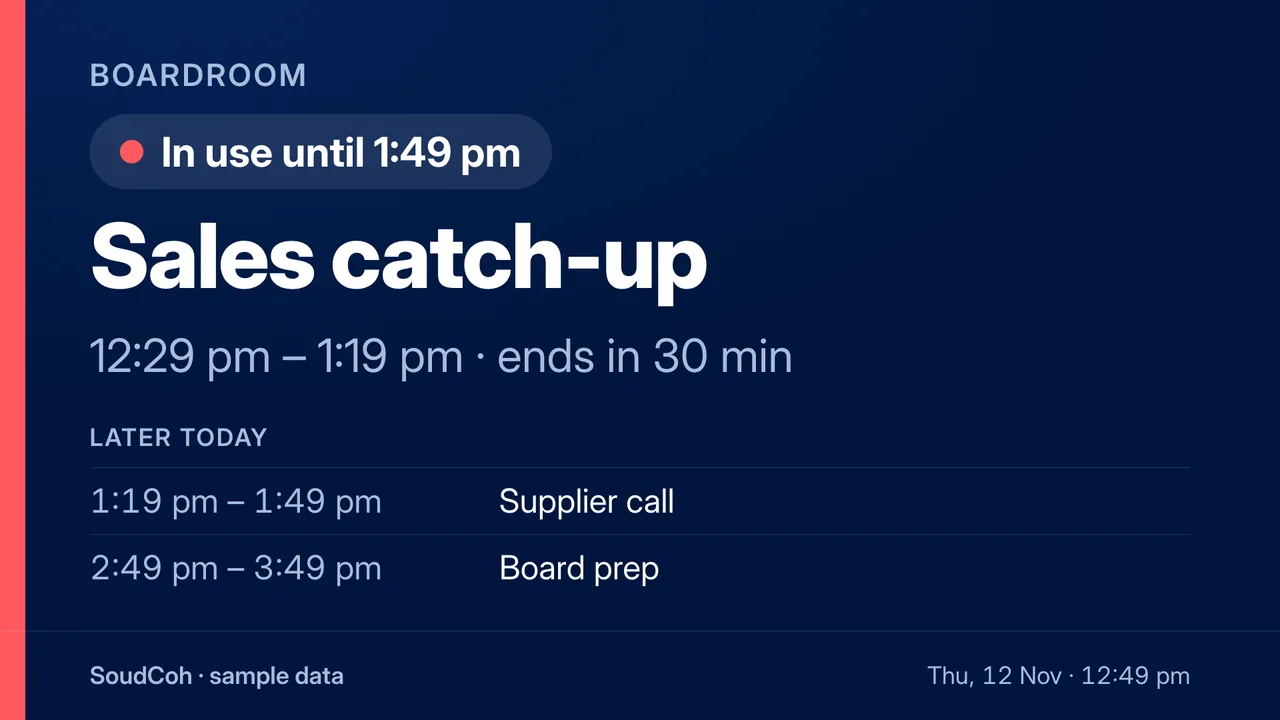
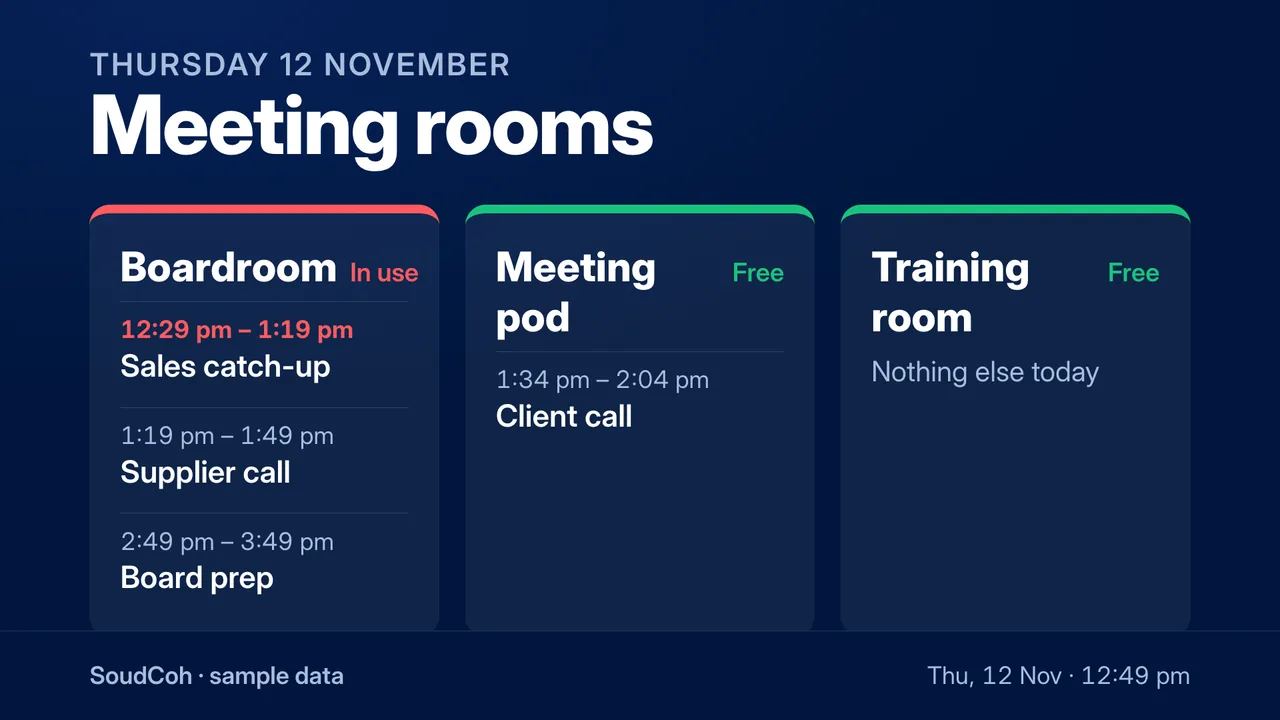
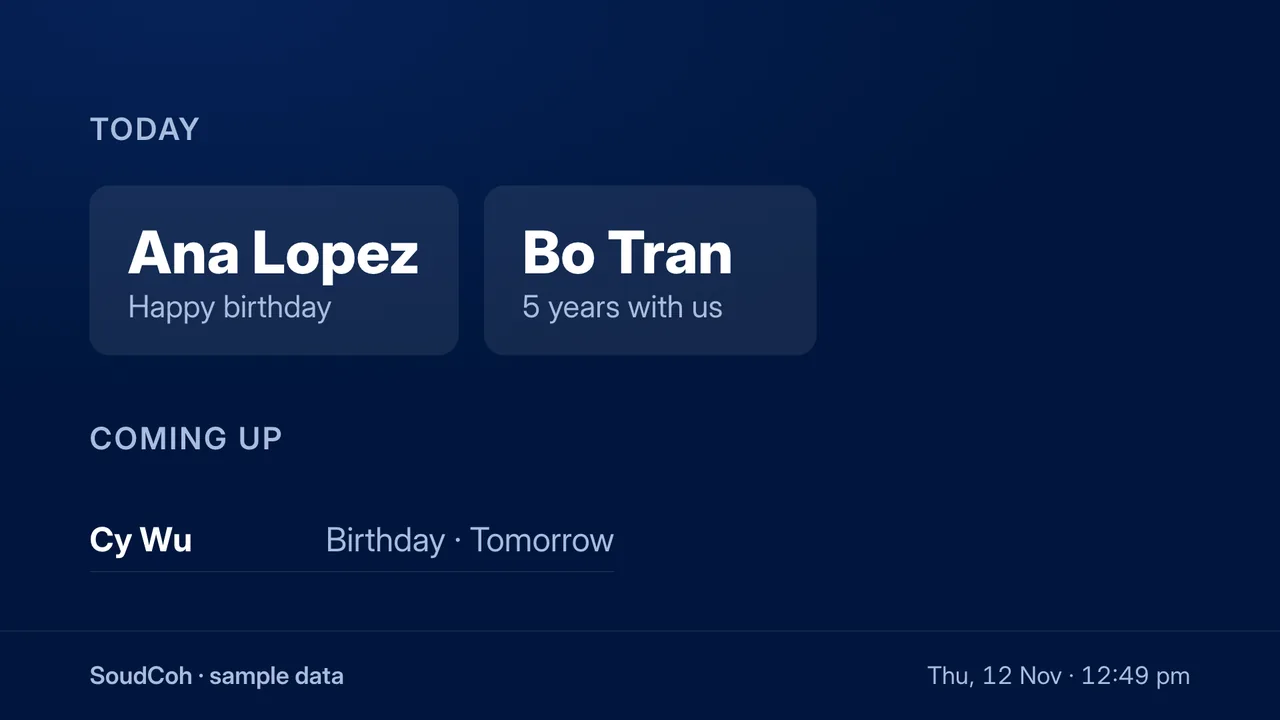
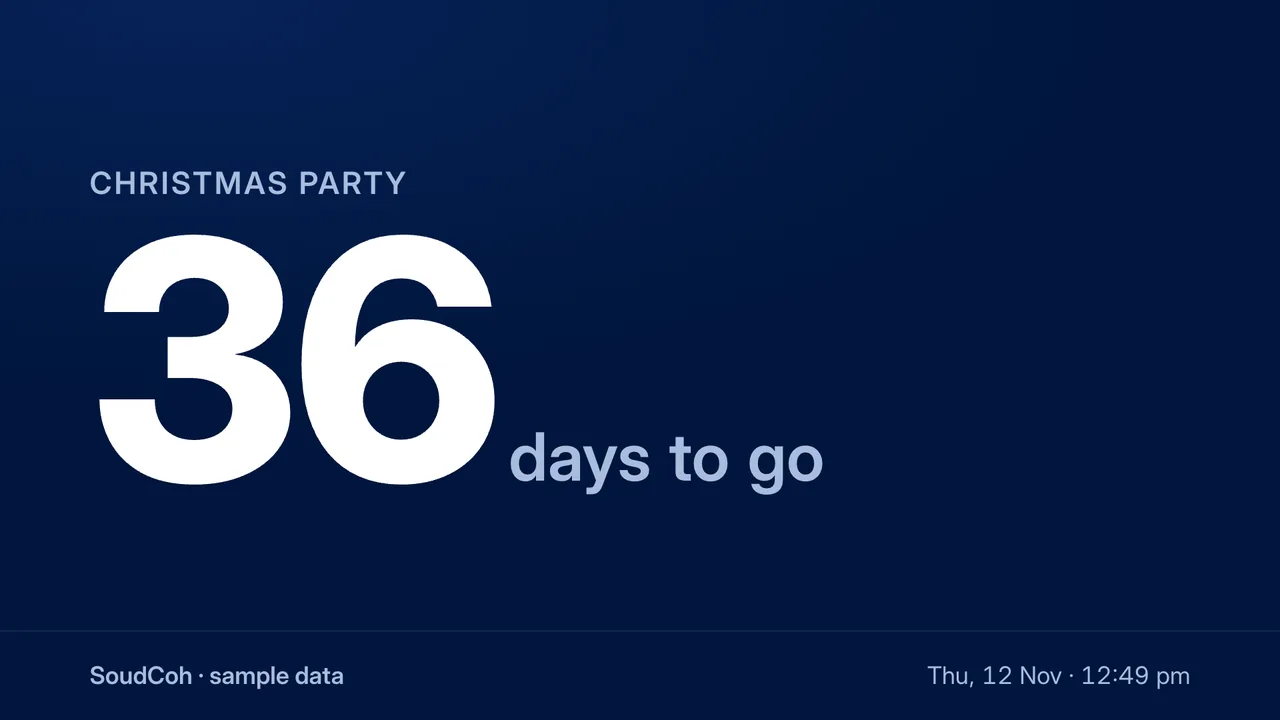
Rooms that never double-book. Weekly meetings. Invites with Accept and Decline that land in Outlook and Gmail, with the Teams, Meet or Zoom link.

Save the TVs as they are. Play it back with one tap, at a set time, or with “Alexa, turn on Client visit”.
A message on every TV, one wall or one TV for a few minutes. Then each TV goes back to what it was showing.
Every TV on and off at set times each day, checked every 30 seconds from the cloud.
From each person's own profile: a day and a month, never a year.
An office can keep up to 40 boards and 30 scenes, on any TV or wall.
Library uploads and a Drive folder in one slideshow, on every Pi.
Pixel, SoudCoh's AI
Type to Pixel or talk to it full screen. It understands plain words, acts with your own permissions, and every change comes with Undo. Ask it something below and watch the wall.
Hi, I'm Pixel! Come and see what your office TVs can do.

An example of Pixel at work, on a copy of the wall. The real Pixel runs in the app.
From our own wall
SoudCoh TV runs SoudCoh's own office. These are numbers from it.
The wall in SoudCoh's office: six TVs on three Raspberry Pi 5s, one picture.
A Mac screen shared to all six TVs, 130–170 ms behind, TVs within about 40 ms of each other (23 Oct 2026).
YouTube spread across the wall catches up in about 0.6 s, down from 3.7 s (28 Oct 2026).
Every office's hub is backed up each night, and each backup is kept for 40 days.
Security & IT
Who can do what, where the data lives, and what keeps it running.
Each office has its own hub on Cloudflare. Its TVs, people, photos and settings never mix with another office's.
Admins and members, enforced by the hub, not just the app. Passwords are kept only as PBKDF2-SHA256 hashes.
After the right password, a 6-digit code by email on a device that isn't trusted: for admins by default, or everyone. Trust a device for 30 days.
It acts with your own session. Pairing TVs, people, Wi-Fi, updates and tokens aren't tools it has.
Home Assistant gets a TV token that can only show things and switch TVs on and off.
Nightly backups, a health check every 2 hours, and Pis that update themselves one at a time between 2 and 5 am.
Getting started
How many, which switch on and off over HDMI-CEC, any walls, your network, and what you'll show.
At yourname-tv.soudcoh.io, with its own data and keys. Your first admin gets an invite link.
A Raspberry Pi 5 for every two TVs and one install command. Each TV shows a 6-letter code to pair.
Your logo, colour, photos, welcome lines and screensaver. Pixel's welcome tour shows your team around.
We look at your TVs and network, set up your office at its own address, and go through it with your team on the first call.